A personal trainer website template should make the working relationship easier to understand. A prospective client needs to know who the trainer helps, where coaching happens, what a session is like and whether the approach feels safe and realistic. A wall of transformation photographs rarely answers those questions well.
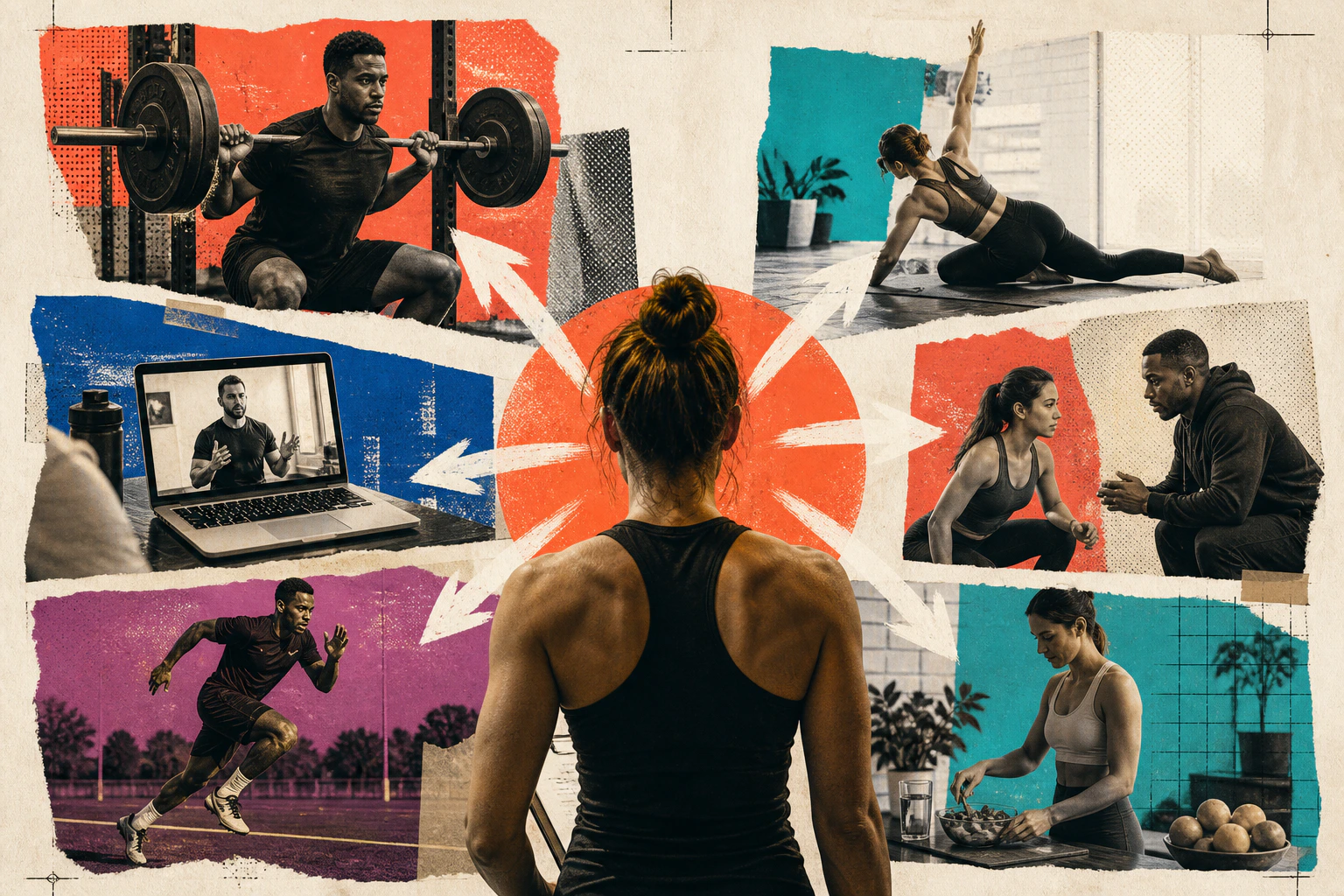
These six original Elkwood design directions are briefing concepts rather than downloadable themes. They can be adapted around a trainer's real qualifications, service model and voice.
Related guidance: For useful context, read 15 Best Electrician Websites and What Makes Them Work and 15 Plumbing Website Examples That Make Enquiring Easy.
What every trainer layout should handle
a specific audience and coaching outcome;
recognised qualifications stated accurately;
location or online delivery details;
an explained first step;
pricing or a clear route to it;
evidence used with informed permission;
responsible health and performance language.
Direction | Best fit | Core proof |
|---|---|---|
Local one-to-one trainer | Nearby individual sessions | Person, place and process |
Strength coach | Technique and performance | Method and relevant experience |
Online coach | Remote programming | Communication and accountability |
Small-group studio | Community-led training | Session format and atmosphere |
Pre and postnatal trainer | Life-stage support | Appropriate qualifications and boundaries |
Healthy ageing specialist | Strength and confidence later in life | Accessibility and realistic progression |
1. The local one-to-one trainer
Open with the client you help, the broad location and the first practical outcome. Follow with a photograph of a real session, a simple description of the coaching process and a consultation or call option.
Answer the visit questions
State the gym, travel area or outdoor location, accessibility, session length and what a new client should expect. Local trust comes from real detail, not repeating the town name in every heading.
2. The strength coach
This direction can use a more technical visual language, but it should remain welcoming to the intended client. Separate athletic performance, general strength and rehabilitation-adjacent work so boundaries are clear.
Explain the method without posturing
Show assessment, programming and progression in plain language. Connect credentials to the work they support. Avoid implying that a qualification makes the trainer a physiotherapist, dietitian or doctor.
3. The online coach
Remote coaching needs more explanation than “train anywhere”. Show how programmes are delivered, how form is reviewed, how often contact occurs and what equipment a client needs.
Make accountability tangible
Use a simple week-in-the-life sequence. Explain check-ins, programme adjustments and cancellation terms. If an app is used, show the useful interaction rather than a decorative phone mock-up.
4. The small-group studio
This layout should make the atmosphere and timetable easy to assess. Group size, coaching attention, ability level and trial options matter more than cinematic gym footage.
Let community evidence remain specific
Use photographs and testimonials with permission. A named account of feeling more confident in a first session is more useful than an unsupported “best community ever” quote.
5. The pre and postnatal specialist
The tone should feel informed and reassuring without making medical promises. Bring relevant training, referral boundaries and consultation questions forward.
Design for changing needs
Explain where sessions take place, whether babies can attend and how programming is adapted. Use inclusive images and readable content rather than idealised before-and-after imagery.
6. The healthy ageing specialist
This direction focuses on strength, balance and confidence for older clients. Large type, clear contrast and straightforward navigation are part of the proposition, not an optional accessibility layer.
Show realistic participation
Use real exercises and environments appropriate to the service. Explain modifications, starting points and collaboration with healthcare professionals without implying clinical treatment.
How to select the right starting point
Choose the direction closest to the trainer's primary paid service. Then answer:
Who is the person most likely to benefit?
What makes them hesitate?
What happens in the first session?
Which proof can be shown ethically?
What action is easy enough to take today?
Photography and colour come after those answers. The site should still make sense as text alone.
Common template mistakes
Avoid guaranteed weight-loss claims, shame-based language, unlabelled supplement promotion and testimonials that disclose sensitive details without clear permission. Do not use fitness imagery that excludes the very people the service is intended to welcome.
Check forms with a keyboard and phone. Only collect information needed for the first contact; detailed health screening belongs in an appropriate secure process.
Content that can earn attention over time
A trainer does not need to publish a new article every week. Build a compact library around the questions that suitable clients ask before joining. A first-session guide, an explanation of online coaching and an honest comparison of one-to-one and small-group training can remain useful for months.
Give each article a named author, a review date and a clear boundary around health advice. Link naturally to the relevant coaching service, but let the article answer the question before making an offer. Remove or revise content when qualifications, venues or the evidence behind a claim change.
Short demonstration video may help when technique is central. Add captions, a written summary and enough context to prevent a movement being mistaken for universal instruction.
Want the website handled for you?
Elkwood creates managed websites for small businesses across the industries we support. We can adapt a direction to the trainer's real service, with design, copy, hosting and reasonable updates included from £25 a month.
See the pricing page and what is included. Booking platforms, membership applications and health-data workflows may require separate systems.
Quick answers
Frequently asked questions
What should a personal trainer website include?
Include the intended client, coaching format, location, qualifications, process, pricing context, genuine evidence and a clear first step. Add policies and privacy information appropriate to the data collected.
Should a trainer show prices online?
Usually, yes, when packages are defined. If needs change the price, provide a starting point and explain what the consultation decides.
Are transformation photographs necessary?
No. Process, client experience, qualifications and realistic outcomes can build trust. If photographs are used, obtain informed permission and avoid misleading conditions or claims.
Does online coaching need a separate website?
Not necessarily. It does need a distinct journey that explains delivery, contact, equipment, geography and terms without confusing local session clients.