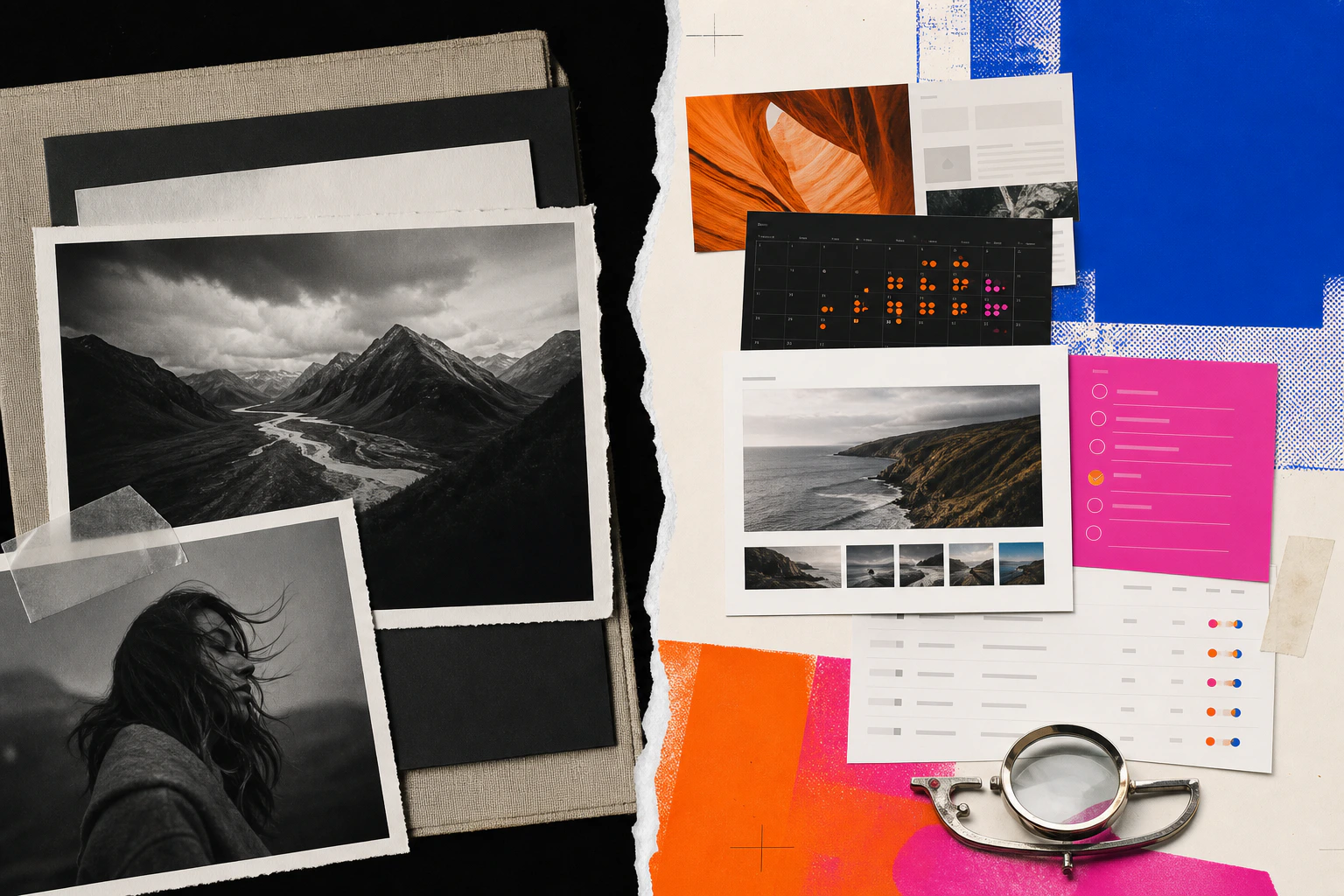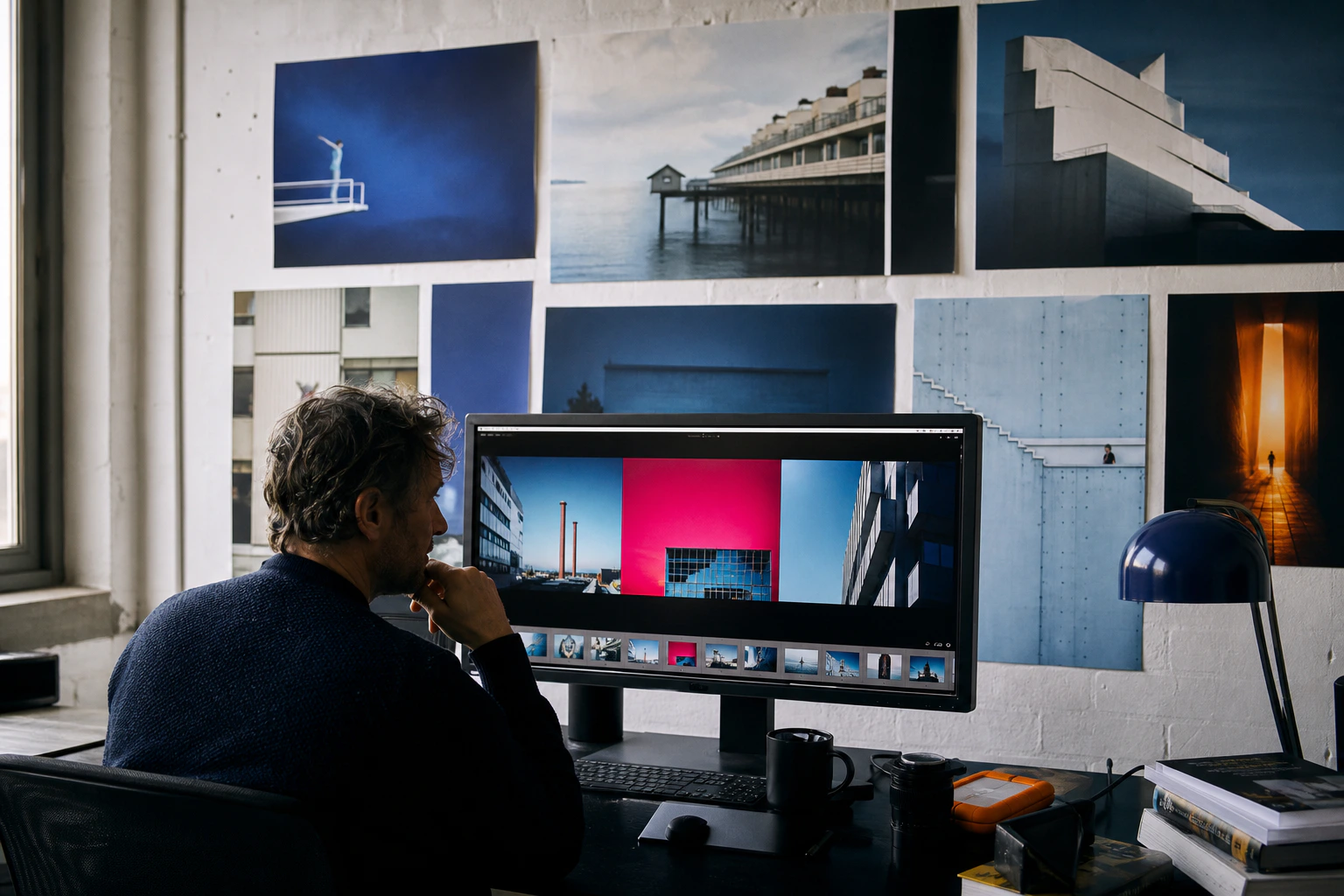
The best photography websites make selection look effortless. That does not mean the site contains little work. It means projects, sequencing and context have been edited so a buyer can understand the photographer's point of view without searching through an unlabelled archive.
We reviewed live sites on 27 August 2026. This is not a ranking of the photographers or an assessment of enquiry data. The examples demonstrate visible portfolio and presentation choices.
Related guidance: For useful context, read 15 Best Electrician Websites and What Makes Them Work.
What strong photography sites have in common
the opening images represent the work the photographer wants now;
projects are edited into coherent stories;
commercial or editorial context is available when useful;
biography, representation and contact details are clear;
responsive images preserve quality without wasting bandwidth;
the website avoids competing with the photography.
Photographer | Useful pattern | Lesson to borrow |
|---|---|---|
Martin Parr | Deep archive with authorship | Organise a large body around projects |
Nadav Kander | Controlled sequencing | Let pace and scale support the work |
Julia Fullerton-Batten | Project context | Explain constructed series without overloading them |
Charlie Clift | Clear commercial categories | Help commissioners find relevant work |
Laura Pannack | Personal long-form projects | Keep story and image connected |
Rankin | Multi-disciplinary range | Use categories to contain breadth |
Tim Walker | Distinctive visual world | Let the identity follow the images |
Platon | Subject-led portrait archive | Make recognisable work easy to explore |
Anna Hardy | Hospitality specialism | Build a portfolio around a buyer context |
Greg Funnell | Documentary and commercial balance | Show range without losing coherence |
1. Martin Parr: organise depth through projects
Martin Parr has a large, recognisable body of documentary work. Project and publication context helps the archive remain more than an endless masonry grid.
Photographers with years of work should curate by series, client type or subject. A search or archive can support depth, but the primary portfolio should still communicate current priorities.
2. Nadav Kander: use sequencing as part of presentation
Nadav Kander gives individual projects room and allows image sequence to establish mood and scale.
The lesson is to design transitions around the work. A quiet pause may help a landscape series, while a commercial buyer may prefer a faster overview. Do not apply one gallery behaviour to every project by default.
3. Julia Fullerton-Batten: provide enough project context
Julia Fullerton-Batten presents carefully constructed photographic series. Short project explanations help viewers understand the premise without interpreting every frame for them.
Use captions, dates and a concise statement where they change the reading. Put production credits and press detail in a supporting layer so the images remain central.
4. Charlie Clift: help commissioners recognise fit
Charlie Clift presents portrait and commercial work in accessible categories. A buyer can move towards relevant examples without decoding an artistic taxonomy.
Working photographers should use labels clients understand. “People”, “food” or “architecture” may be more useful than internal project names at the top level.
5. Laura Pannack: keep narrative and series together
Laura Pannack gives long-form personal projects distinct identities. The site supports exploration without reducing each body of work to one representative thumbnail.
When story matters, consider a project landing page with a considered sequence and short context. Avoid splitting the same series across many disconnected category pages.
6. Rankin: contain a broad practice
Rankin spans photography, film and creative work. Clear divisions prevent that breadth becoming one crowded reel.
A multi-disciplinary studio should explain who does what and how to enquire for each service. Range feels credible when the structure reveals depth within it.
7. Tim Walker: allow a distinctive world to lead
Tim Walker is associated with highly recognisable fashion imagery. The site can therefore remain visually led without needing a decorative interface to manufacture personality.
Do not make the chrome louder than the photographs. Type, background and movement should support colour, proportion and sequence.
8. Platon: make subjects and stories findable
Platon presents a substantial portrait practice with recognisable subjects and wider project context.
A named-subject archive can aid discovery, but rights and captions need care. Search results should lead into a project or biography, not an image stripped of context.
9. Anna Hardy: specialise around the buyer's world
Anna Hardy focuses on hospitality, food and interiors. The portfolio shows related skills within a commercially coherent area.
Specialisation can increase confidence because a buyer sees comparable situations. It does not require hiding all personal work, but the main navigation should reflect the commissions sought.
10. Greg Funnell: balance editorial voice and commissioned range
Greg Funnell combines documentary and commercial photography. Project editing helps different strands feel connected through authorship.
When two markets overlap, use separate routes with a shared biography and contact. Avoid duplicating the same image into every category merely to make each gallery look full.
A useful portfolio review
Ask a trusted editor or buyer to view the site for two minutes, then describe the photographer's specialism, strongest project and contact route. If they remember the animation but not the work, simplify.
Test portrait, landscape and monochrome crops on phone and desktop. Keep master files outside the website, publish responsive derivatives and check fine detail rather than judging compression by file size alone.
What to avoid
Avoid unlabelled galleries, hidden navigation, contact details only in an image and auto-advancing slideshows that prevent inspection. Do not publish client work without the right permission or make a public gallery the default delivery system.
Metadata, captions and alternative text should be purposeful. Alternative text describes the image's role for someone who cannot see it; a caption can supply project, subject or commission context.
Want the website handled for you?
Elkwood builds managed public websites across the industries we support. A photographer can keep specialist proofing and delivery separate while Elkwood handles portfolio presentation, service copy, hosting and reasonable updates from £25 a month.
See our photographer website builder comparison and pricing.
Sources checked
Site Builder Report's photography website gallery, checked 27 August 2026
The 10 linked photographer websites, checked 27 August 2026
Quick answers
Frequently asked questions
How many photographs should a portfolio website show?
Enough to demonstrate the work sought, but only strong, coherent images. Edit each project deliberately rather than aiming for a universal number.
Should every image have alternative text?
Meaningful images need appropriate alternatives. Avoid keyword lists; describe the useful visual information in context.
Is a client gallery the same as a portfolio?
No. A portfolio is a curated public argument. A client gallery is a private delivery or proofing tool and may require different security and workflow.
How can image quality and speed coexist?
Keep masters separately, generate responsive web sizes and modern formats, and inspect output on representative screens. Do not send the largest source file to every device.